> ## Documentation Index
> Fetch the complete documentation index at: https://docs.raycaster.ai/llms.txt
> Use this file to discover all available pages before exploring further.
# Email Column Type
> Store and validate email addresses in your sheets
## Overview
Email columns are specially designed for handling email addresses, with automatic validation and clickable mailto: links. When you click on an email address, your default email program opens with a new message addressed to that contact.
Unlike storing email addresses in text columns, dedicated Email columns ensure proper formatting, validate that addresses follow the correct structure ([username@domain.com](mailto:username@domain.com)), and display emails in a distinctive style with clickable functionality. This makes managing contact information more efficient and reduces errors in your data.
## Column Display
### Cell View
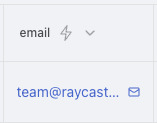
Email columns in cell view display as formatted, clickable email addresses:
 ### Sidebar View
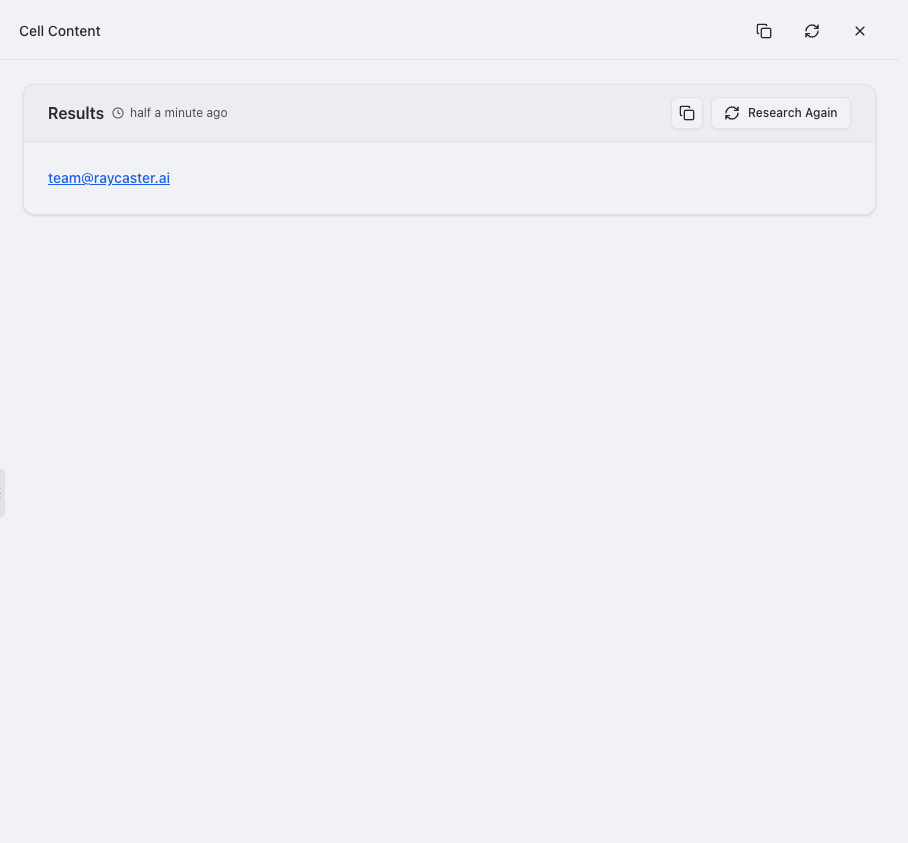
When clicked, the sidebar provides email actions and additional options:
### Sidebar View
When clicked, the sidebar provides email actions and additional options:
 ## Use Cases
* **Contact management**
* Store primary and alternate email addresses for contacts
* Track personal vs. work email addresses
* Maintain up-to-date contact information for key stakeholders
* Organize emails by department or function
* Centralize communication channels for important contacts
* **User directories**
* Create company email directories with validation
* Manage access credentials tied to email addresses
* Organize user contact information by team or department
* Track valid vs. inactive email accounts
* Maintain emergency contact information
* **Client databases**
* Store client communication preferences
* Track primary, billing, and technical contacts
* Maintain accurate email information for invoicing
* Support account management communication
* Enable targeted client outreach campaigns
* **Mailing lists**
* Build segmented email lists for targeted communications
* Validate addresses before adding to marketing campaigns
* Track subscription preferences and opt-ins
* Organize subscribers by interest or category
* Manage bulk email operations with verified addresses
* **Sales leads**
* Capture and verify prospect email addresses
* Track communication history with potential customers
* Enable quick follow-up with interested leads
* Organize leads by source, stage, or priority
* Support automated lead nurturing sequences
* **Support requests**
* Track customer support communication channels
* Enable quick response to support tickets
* Associate requests with verified customer accounts
* Organize support queue by domain or customer type
* Manage support routing based on email attributes
* **Team rosters**
* Maintain accurate team contact information
* Organize internal communication channels
* Create distribution lists for project teams
* Track contractor vs. employee email addresses
* Support department-wide communication
## Features
* **Email Validation**: Checks that addresses are properly formatted
* Automatically verifies that addresses follow the correct structure ([username@domain.com](mailto:username@domain.com))
* Helps catch typos and formatting mistakes when entering data
* Ensures consistent formatting across all your email addresses
* Helps maintain clean, error-free contact information
* **Clickable Email Links**: Send emails with one click
* Simply click on any email address to open a new message in your default email program
* Save time by not having to copy and paste addresses
* Immediately start composing emails to your contacts
* Works with your preferred email client (Gmail, Outlook, Apple Mail, etc.)
* **Visual Distinction**: Easily identify email data
* Email addresses appear in blue to stand out from other text
* Consistent styling helps quickly identify contact information
* Clear visual indication of which fields contain email addresses
* **Organization Features**: Better manage your contact information
* Sort by domain name to group contacts from the same company
* Filter to find specific email providers or company domains
* Create views focused on specific contact types
* Organize your contacts more efficiently
## Using AI with Email Columns
You can enhance your email data using AI-powered research tools:
* **Find Contact Information**: Discover missing email addresses for your contacts
* **Verify Information**: Check that email addresses are current and associated with the right people
* **Gather Additional Details**: Find related information about your contacts like job titles or companies
* **Build Contact Profiles**: Create more complete contact records by finding related information
These capabilities can help you build more complete contact lists and keep your email data up-to-date. To use these features, select an email column and look for the research options in the column settings menu.
## Best Practices
### Organization
* **Use Email Columns**: Always store email addresses in dedicated Email columns instead of Text columns to take advantage of validation and clickable links
* **Create Clear Categories**: Consider creating separate columns for different types of email addresses
* "Work Email" and "Personal Email" columns
* "Primary Contact" and "Billing Contact" columns
* "Support Email" and "Sales Email" columns
* **Descriptive Names**: Give your email columns clear names that indicate their purpose
* "Primary Contact Email" instead of just "Email"
* "Billing Contact" instead of "Contact 2"
### Data Quality
* **Keep Data Current**: Regularly update email information
* Set a schedule to review contact information
* Note when email addresses bounce or are inactive
* Update when contacts change roles or companies
### Privacy Tips
* **Respect Privacy**: Be mindful of how you store and share email addresses
* Only collect email addresses you have permission to use
* Be careful when sharing sheets containing contact information
* Consider who has access to sensitive contact lists
* **Clear Documentation**: Note where you got email addresses and any usage limitations
* Track opt-in status when relevant
* Note if there are restrictions on how emails can be used
### Usage Tips
* **Quick Actions**: Use the clickable email feature to save time
* Simply click on an email address to start a new message
* Use sorting to group contacts from the same company (by domain)
* Create filtered views for specific groups of contacts
* **Combine with Other Columns**: Pair email columns with related information
* Add a "Notes" column for context about each contact
* Include "Last Contacted" date columns
* Add "Contact Preference" columns (email, phone, etc.)
* **Plan for external system integration**
* Ensure compatibility with email marketing platforms
* Maintain formats suitable for CRM synchronization
* Consider API requirements for email data
* Document mapping between email fields and external systems
* Test integration scenarios before bulk operations
## Use Cases
* **Contact management**
* Store primary and alternate email addresses for contacts
* Track personal vs. work email addresses
* Maintain up-to-date contact information for key stakeholders
* Organize emails by department or function
* Centralize communication channels for important contacts
* **User directories**
* Create company email directories with validation
* Manage access credentials tied to email addresses
* Organize user contact information by team or department
* Track valid vs. inactive email accounts
* Maintain emergency contact information
* **Client databases**
* Store client communication preferences
* Track primary, billing, and technical contacts
* Maintain accurate email information for invoicing
* Support account management communication
* Enable targeted client outreach campaigns
* **Mailing lists**
* Build segmented email lists for targeted communications
* Validate addresses before adding to marketing campaigns
* Track subscription preferences and opt-ins
* Organize subscribers by interest or category
* Manage bulk email operations with verified addresses
* **Sales leads**
* Capture and verify prospect email addresses
* Track communication history with potential customers
* Enable quick follow-up with interested leads
* Organize leads by source, stage, or priority
* Support automated lead nurturing sequences
* **Support requests**
* Track customer support communication channels
* Enable quick response to support tickets
* Associate requests with verified customer accounts
* Organize support queue by domain or customer type
* Manage support routing based on email attributes
* **Team rosters**
* Maintain accurate team contact information
* Organize internal communication channels
* Create distribution lists for project teams
* Track contractor vs. employee email addresses
* Support department-wide communication
## Features
* **Email Validation**: Checks that addresses are properly formatted
* Automatically verifies that addresses follow the correct structure ([username@domain.com](mailto:username@domain.com))
* Helps catch typos and formatting mistakes when entering data
* Ensures consistent formatting across all your email addresses
* Helps maintain clean, error-free contact information
* **Clickable Email Links**: Send emails with one click
* Simply click on any email address to open a new message in your default email program
* Save time by not having to copy and paste addresses
* Immediately start composing emails to your contacts
* Works with your preferred email client (Gmail, Outlook, Apple Mail, etc.)
* **Visual Distinction**: Easily identify email data
* Email addresses appear in blue to stand out from other text
* Consistent styling helps quickly identify contact information
* Clear visual indication of which fields contain email addresses
* **Organization Features**: Better manage your contact information
* Sort by domain name to group contacts from the same company
* Filter to find specific email providers or company domains
* Create views focused on specific contact types
* Organize your contacts more efficiently
## Using AI with Email Columns
You can enhance your email data using AI-powered research tools:
* **Find Contact Information**: Discover missing email addresses for your contacts
* **Verify Information**: Check that email addresses are current and associated with the right people
* **Gather Additional Details**: Find related information about your contacts like job titles or companies
* **Build Contact Profiles**: Create more complete contact records by finding related information
These capabilities can help you build more complete contact lists and keep your email data up-to-date. To use these features, select an email column and look for the research options in the column settings menu.
## Best Practices
### Organization
* **Use Email Columns**: Always store email addresses in dedicated Email columns instead of Text columns to take advantage of validation and clickable links
* **Create Clear Categories**: Consider creating separate columns for different types of email addresses
* "Work Email" and "Personal Email" columns
* "Primary Contact" and "Billing Contact" columns
* "Support Email" and "Sales Email" columns
* **Descriptive Names**: Give your email columns clear names that indicate their purpose
* "Primary Contact Email" instead of just "Email"
* "Billing Contact" instead of "Contact 2"
### Data Quality
* **Keep Data Current**: Regularly update email information
* Set a schedule to review contact information
* Note when email addresses bounce or are inactive
* Update when contacts change roles or companies
### Privacy Tips
* **Respect Privacy**: Be mindful of how you store and share email addresses
* Only collect email addresses you have permission to use
* Be careful when sharing sheets containing contact information
* Consider who has access to sensitive contact lists
* **Clear Documentation**: Note where you got email addresses and any usage limitations
* Track opt-in status when relevant
* Note if there are restrictions on how emails can be used
### Usage Tips
* **Quick Actions**: Use the clickable email feature to save time
* Simply click on an email address to start a new message
* Use sorting to group contacts from the same company (by domain)
* Create filtered views for specific groups of contacts
* **Combine with Other Columns**: Pair email columns with related information
* Add a "Notes" column for context about each contact
* Include "Last Contacted" date columns
* Add "Contact Preference" columns (email, phone, etc.)
* **Plan for external system integration**
* Ensure compatibility with email marketing platforms
* Maintain formats suitable for CRM synchronization
* Consider API requirements for email data
* Document mapping between email fields and external systems
* Test integration scenarios before bulk operations